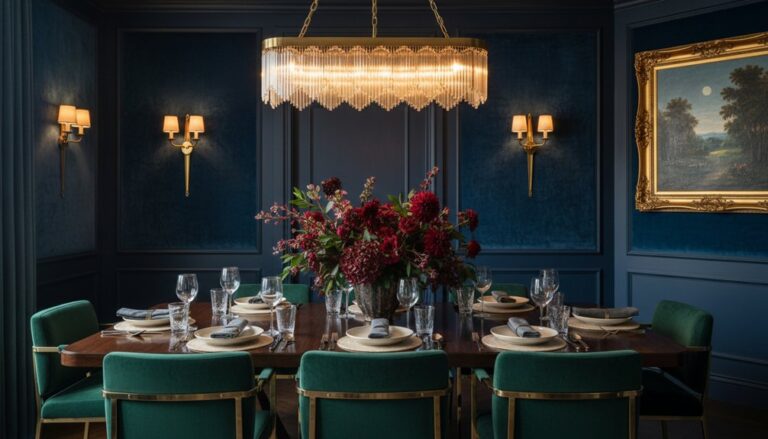
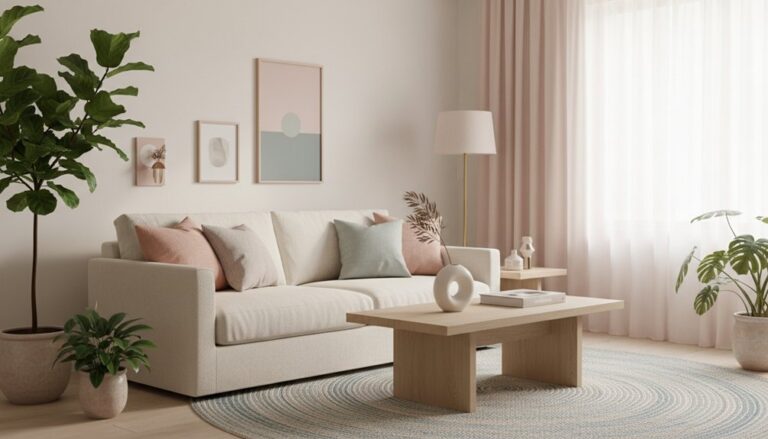
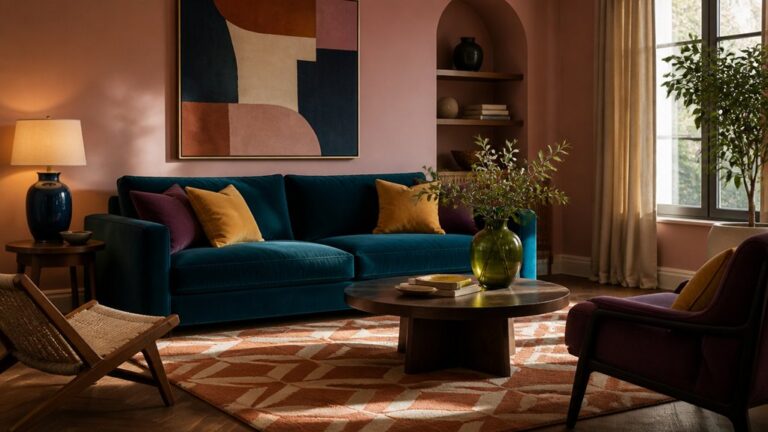
Redesign your home office by zoning the room into work, storage, tech, and a small pause spot, then measure walls, windows, outlets, and clearances before you place anything. Keep a 36-inch path and a 24–30 inch landing strip for drop-offs. Choose an ergonomic desk and adjustable chair, set your monitor at eye level, and tuck daily supplies within arm’s reach. Add slim drawers, lidded boxes, and layered lighting for focus and calls. Keep a tight palette, and there’s more ahead.
Key Takeaways
- Zone the room into work, storage, tech, and pause areas; measure clearances and keep a 36-inch circulation path.
- Choose an ergonomic desk and adjustable chair; set monitor at eye level and forearms level to reduce strain.
- Control clutter with mapped drop zones, slim under-desk drawers, lidded shelf boxes, and a rolling file cart for active papers.
- Layer lighting for function and video calls: side natural light, dimmable task lamp, soft ambient fill, and an eye-level key light.
- Keep style cohesive with a tight palette (one wall color, wood tone, metal finish) and minimal decor to preserve clear sightlines.
Plan Your Home Office Layout (Zones + Measurements)

Before you buy anything, map your home office into clear zones—work surface, storage, tech/printing, and a small “pause” spot for calls or reading—so every task has a dedicated footprint.
Measure each wall, window, and outlet, then sketch a simple plan with door swings and chair clearance.
Use zoning strategies to keep the primary work surface within arm’s reach of daily storage, while pushing archives higher or farther.
Reserve a 24–30 inch landing strip near the entry for drop-offs, and keep a 36-inch circulation path so the room never feels pinched.
For space optimization, align shelving with stud bays, float the printer on a slim cart, and hide cords along baseboards.
Finish by balancing visual weight: anchor one focal wall, keep the rest quiet.
Choose Ergonomic Home Office Furniture for Your Work
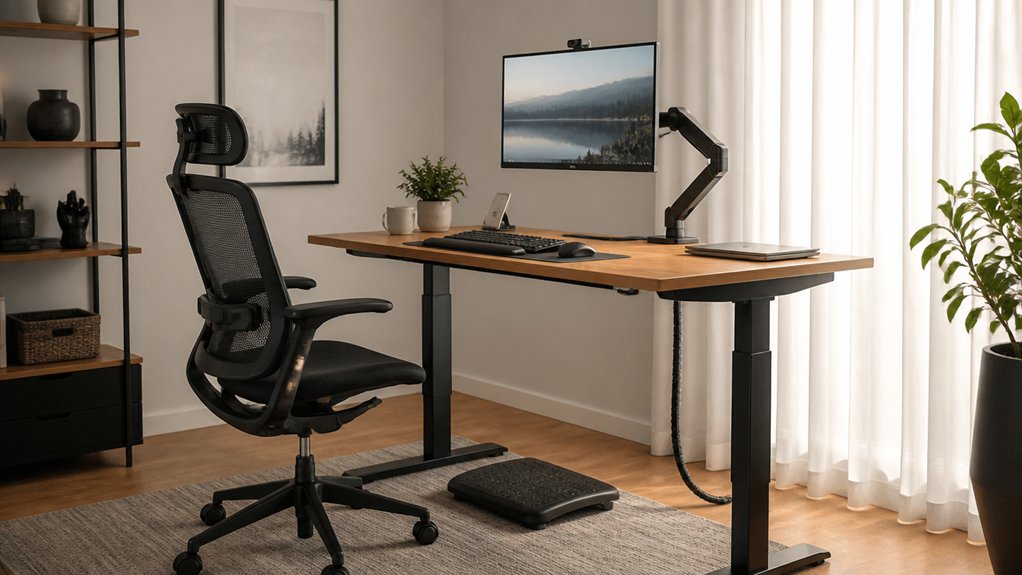
Once you’ve locked in your zones and clearances, choose ergonomic furniture that fits your body *and* your plan: start with a height-appropriate desk (or sit-stand) that lets your forearms rest level and your monitor sit at eye height. Then pair it with a chair that offers adjustable seat height, depth, and lumbar support so you can sit back without slouching.
For Adjustable desk options, confirm the top size fits your work surface needs while preserving walkway width; a slimmer profile can read lighter in tight rooms.
Prioritize Ergonomic chair selection with armrests that tuck under the desk and a base that rolls smoothly on your flooring.
Finish with task lighting and a matte, low-glare desktop that complements your palette and reduces eye strain.
Add Storage That Keeps Your Home Office Clutter-Free

Where does the clutter actually land when you’re mid-task—on the desktop, beside the chair, or in that one catch-all corner? Map those drop zones, then place Storage solutions exactly there. Slide a slim drawer unit under your work surface for cables, notebooks, and chargers.
Add a wall-mounted cabinet above your reach line so the room stays airy, not crowded. Use matching lidded boxes on open shelves to hide visual noise while keeping categories clear.
A rolling file cart parks beside your chair and tucks away after hours. For daily control, follow decluttering tips: set one tray for “today,” one bin for “to file,” and purge duplicates monthly. Label everything, and you’ll reset fast.
Set Up Home Office Lighting for Focus and Video Calls
Because your eyes and your webcam read light differently, you’ll get the best results by layering task lighting with soft ambient fill and a clean, front-facing key light.
Place your desk perpendicular to windows so natural lighting washes in from the side, not behind you. Add a dimmable desk lamp aimed at your work surface, then balance shadows with a floor lamp or wall sconce behind your monitor.
For calls, set a small key light at eye level, centered, about an arm’s length away to smooth contrast. Choose a color temperature around 4000–5000K for daytime focus, and shift warmer in the evening to reduce glare.
Keep fixtures outside your camera frame and hide cords along the desk edge.
Use Color and Decor Without Crowding Your Home Office
Although a home office can handle a little personality, you’ll keep it feeling spacious by treating color and decor like planned layers, not extra stuff. Start with a tight palette: one wall color, one wood tone, one metal finish. Use Color psychology to choose function-first hues—cool greens for calm focus, soft blues for clarity, warm neutrals for steadiness—and keep saturation low on large surfaces.
Then edit your decorative accents the way you’d edit tools. Anchor the room with one statement piece, like a framed print or sculptural lamp, and repeat that color in small doses: a desk pad, book spines, a plant pot.
Leave negative space on shelves, group objects in odd numbers, and keep sightlines clear.
Frequently Asked Questions
How Can I Soundproof My Home Office for Calls and Concentration?
You can soundproof your home office by sealing gaps with weatherstripping, adding a solid-core door, and layering a thick rug plus curtains.
Place acoustic panels on the wall behind your monitor and on first-reflection points for crisp calls.
Use soundproofing techniques like bookcase “mass walls” and a door sweep.
Position your desk away from shared walls, and add a soft chair to absorb chatter.
What’s the Best Way to Improve Home Office Wi‑Fi and Connectivity?
You’ll improve home office Wi‑Fi best by hardwiring your desk: run Ethernet to your main workstation, then add a Wi‑Fi 6/6E mesh node centered on your “work zone.”
Is the “just buy a bigger router” theory true? Not usually—placement beats power. Mount the router high, clear of metal, and map coverage room by room.
Enable Wireless security (WPA3) and apply Network optimization: QoS for calls, channel selection, firmware updates.
How Do I Manage Cables and Power Strips Safely in a Home Office?
Manage cables and power strips safely by planning routes before you plug anything in.
For Cable organization, mount an under-desk tray, run cords along rear legs with clips, and label both ends for clean lines.
For power strip safety, choose a surge-protected strip, don’t daisy-chain, keep it ventilated, and place it off the floor away from spills.
Use a dedicated wall outlet, and hide excess cord in a lidded box.
What Home Office Upgrades Increase Resale Value the Most?
Like a magnet for buyers, you’ll boost resale most with built-in storage, flexible lighting, and a clean, dedicated office zone.
Add ergonomic furniture that fits the room’s scale, and you’ll signal comfort and purpose.
Upgrade outlets, add discreet data runs, and keep cable paths hidden.
Choose durable flooring and fresh, neutral paint for wide appeal.
Finish with restrained decorative accents—art, a tailored rug, matching hardware—to polish the plan.
How Can I Keep Pets Out of My Home Office During Work Hours?
Close the door and add a self-closing hinge or baby gate to block entry during calls.
Set a designated pet zone just outside with a bed, water, and puzzle feeder so they won’t scratch at the threshold.
Use Pet proofing strategies like cable raceways and lidded bins to remove temptations.
Choose Pet safe decor—wipeable rugs, sturdy plants, and wall-mounted shelving—to keep surfaces clear.
Conclusion
You’ve mapped your zones and measurements, and—coincidentally—your desk now lands exactly where daylight hits during your first call. You’ve chosen an ergonomic chair, and it just happens to tuck neatly under the work surface, keeping circulation clear. Storage slots in beside the printer like it was always meant to live there. Layer task, ambient, and screen-friendly lighting, then finish with a tight palette and a few scaled accents, never crowding your workflow.
About the Author